
Voice
Available nowHaklo PlusTalk. Haklo writes it down.
The hardest part of a family meeting on a phone is the phone. Four rounds, everyone thumb-typing their turn. Voice removes the keyboard: put one phone in the middle of the table and just have the conversation. Haklo listens, writes down what was said, and hands it back to you to check.
It’s live today on Haklo Plus — turn on Settings → Recording and Haklo offers it at your next gathering.
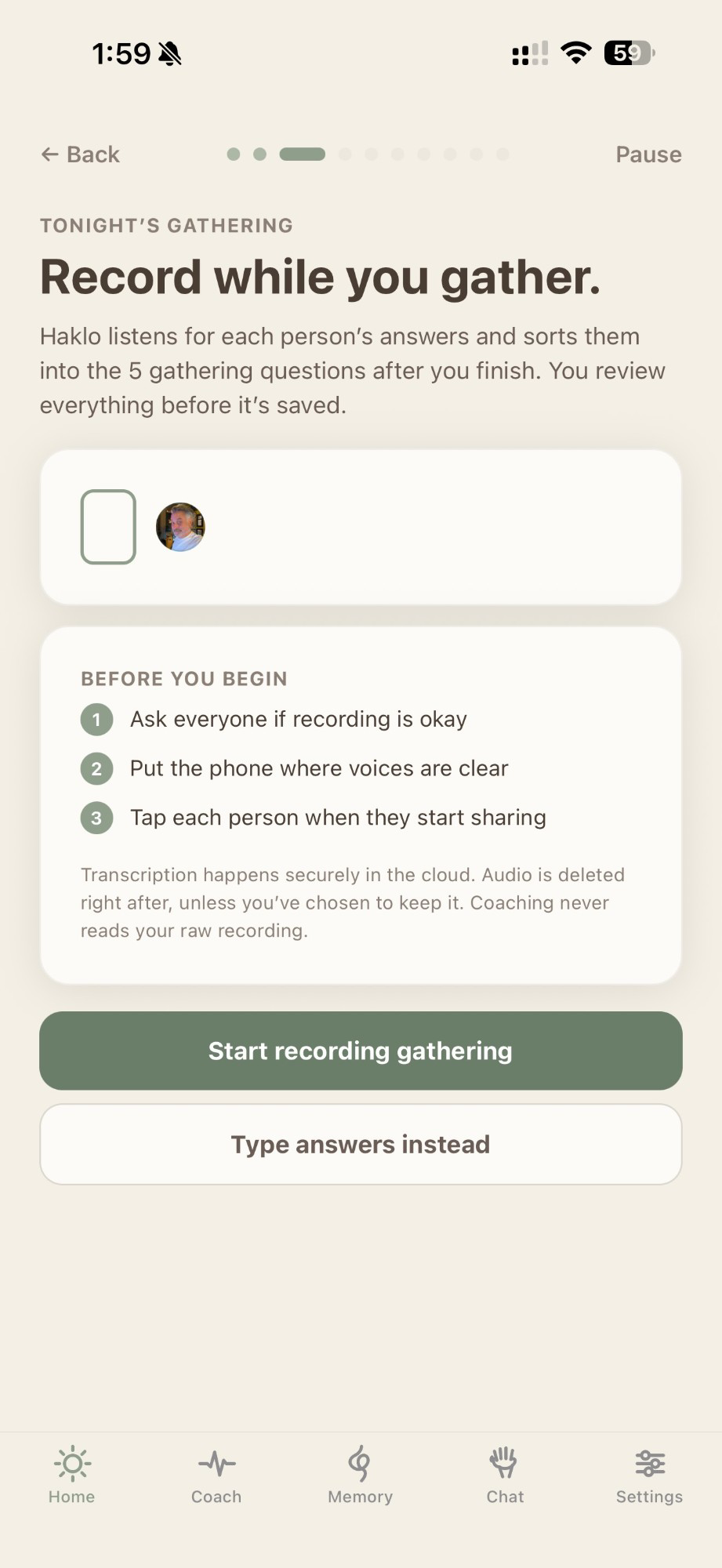
In the room, nobody types
A recorded gathering, start to finish.
Start the gathering, set the phone down, and talk the way you already would. Haklo guides the rounds and does the writing — the record of your evening isn’t something anyone had to stop and type.
Set the phone down
Ask everyone if recording is okay, put the phone where voices carry, and start. No one has to hold it or thumb-type their turn.
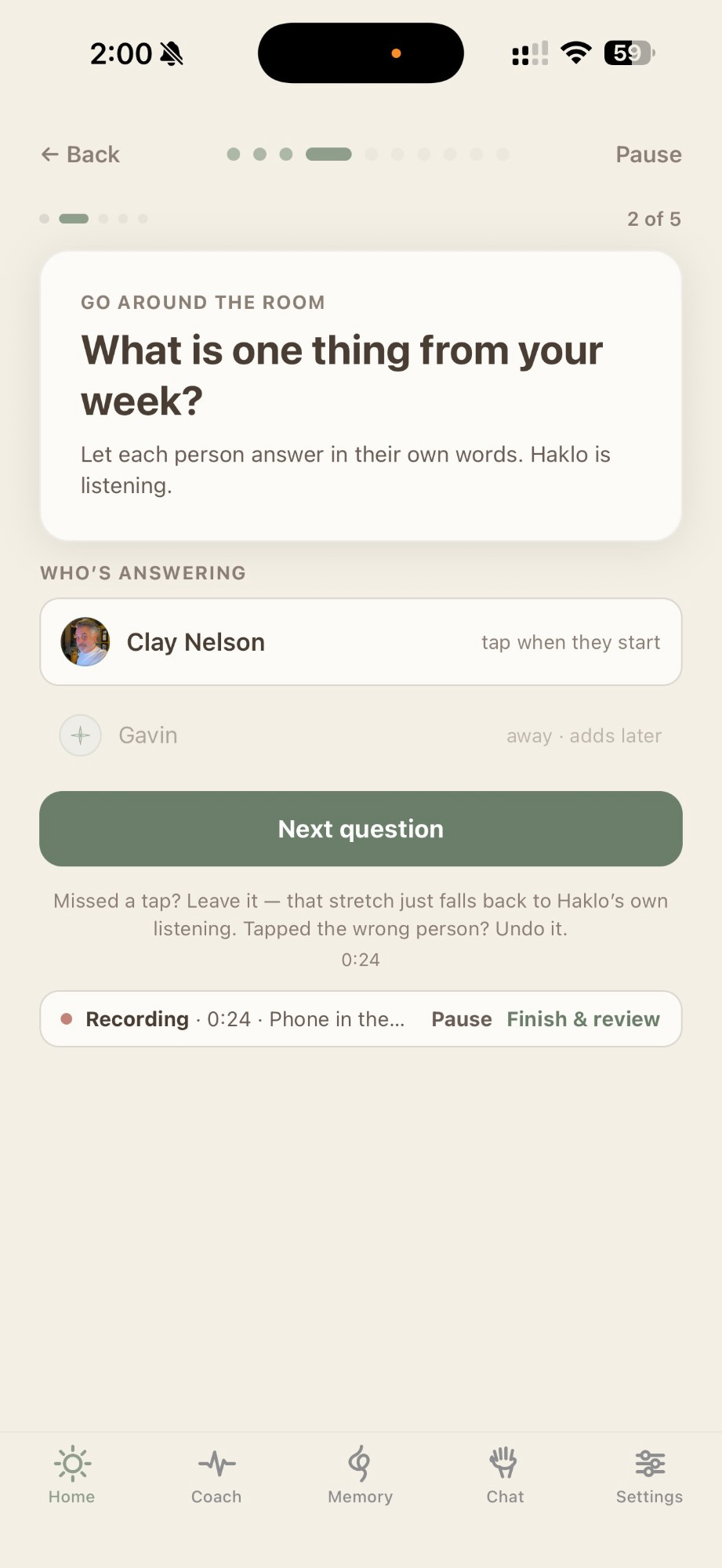
Go around the room
Haklo asks each round out loud and keeps the pace. The only thing anyone taps is who is speaking — miss a tap and that stretch just falls back to Haklo listening.
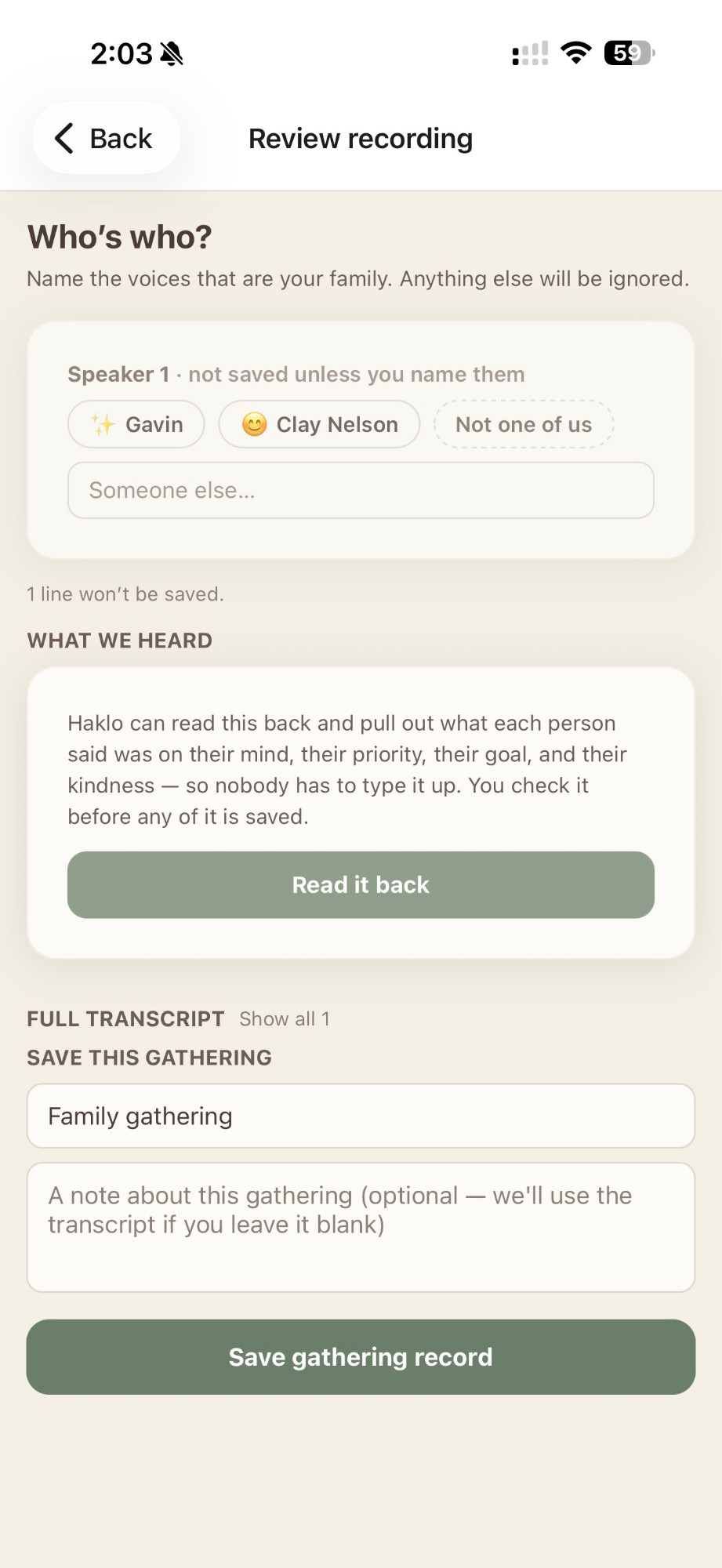
Review before it is saved
Haklo shows you every voice it heard. You name the ones that are your family, ignore the rest, read it back, and keep only what matters.
Away this week? Speak your rounds
When someone can’t be in the room, they don’t have to thumb-type four rounds from a hotel. They can say their answers out loud in one short recording; Haklo transcribes it, sorts it into the rounds, and drops the words into their form as a draft they can edit. They read it back, change what they want, and send it — exactly as if they’d typed it. Nothing goes to the family until they choose to send.
What happens to the audio
- You review before anything is saved. The transcript is a draft. You edit it, keep what you want, and the rest is dropped — the same human step that makes a typed answer yours.
- The audio is deleted. Once the transcript is ready, the recording is deleted — unless a family in the room chooses to keep it as a keepsake. On the away path it’s always deleted.
- Transcription happens in the cloud. To be plain about it: for this first version the audio is sent to a transcription service and comes right back as text. We’ll tell you clearly wherever that’s true.
- Coaching never reads your raw recording. Haklo’s AI only ever sees the words your family reviewed and chose to keep — never the raw transcript of the room.
Voice is part of Haklo Plus. Turn on Settings → Recording and Haklo will ask “Record this gathering?” at your next one — never automatically.